
Shader layers
Write GLSL effects that run live on the layers beneath them. Perfect for creating your own image filters.

Edit images and documents right in your browser with layers, blend modes, text tools, image compression and PDF export.
Start editing ->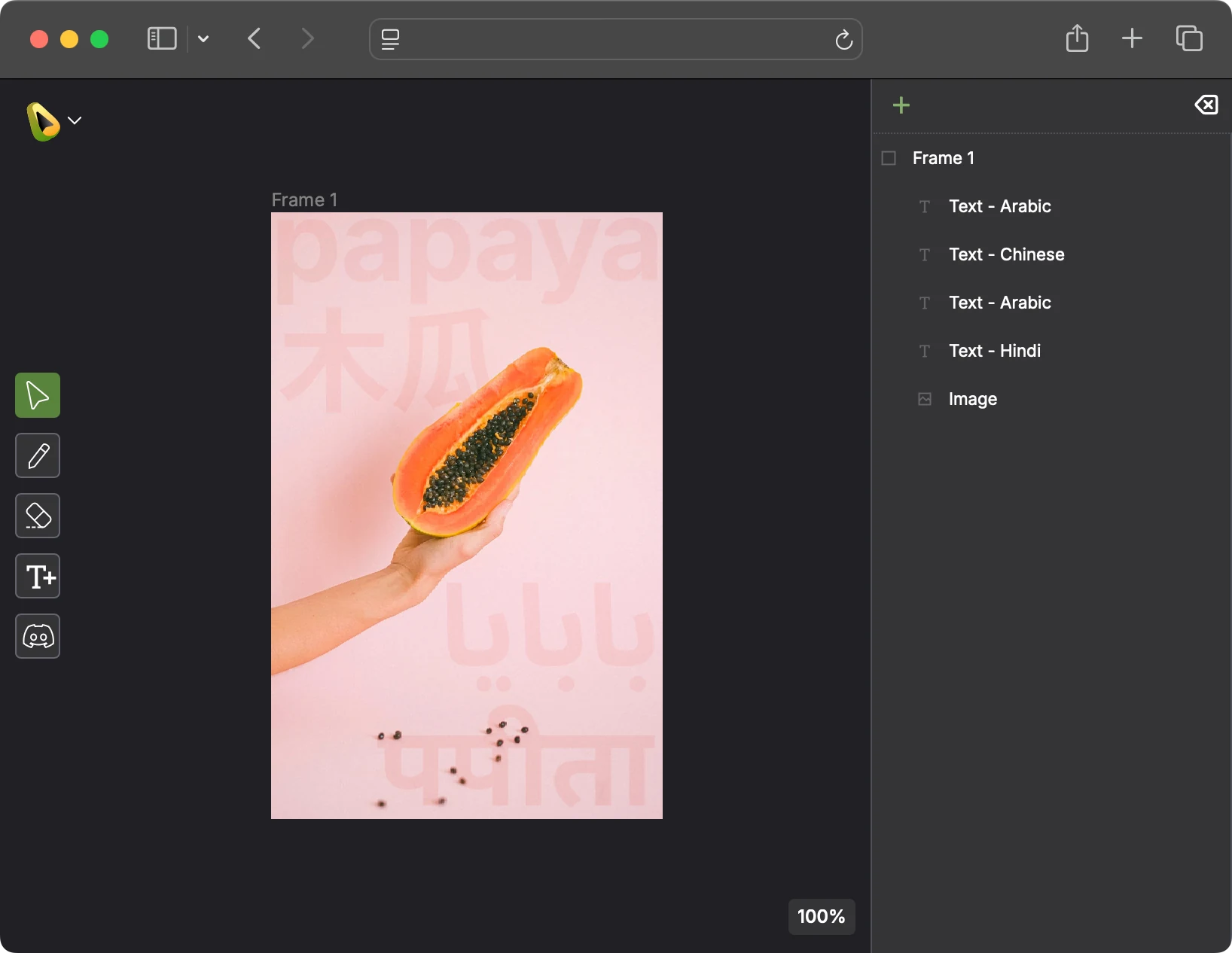
Write GLSL effects that run live on the layers beneath them. Perfect for creating your own image filters.
Make non-destructive color edits without committing changes to your source image.
Papaya supports 23 different blend modes, so you can build rich composites quickly.
Import and export PNG, JPEG, and WebP images. Advanced compression controls with side-by-side comparisons, and size estimates.
Export your documents as well-formatted PDFs, making Papaya more than just an image editor.
Text editing in many languages and rich formatting options. Text is rendered using industry-standard libraries so your document looks the same across devices.
Save documents as .ppy files directly to your device. Your data is yours to keep. Local saving will always remain.
Sign in to seamlessly keep your documents in the cloud, and pick them up anywhere.


